What You See Is What You Get Headlines: WYSIWYG Editor Guide 2025
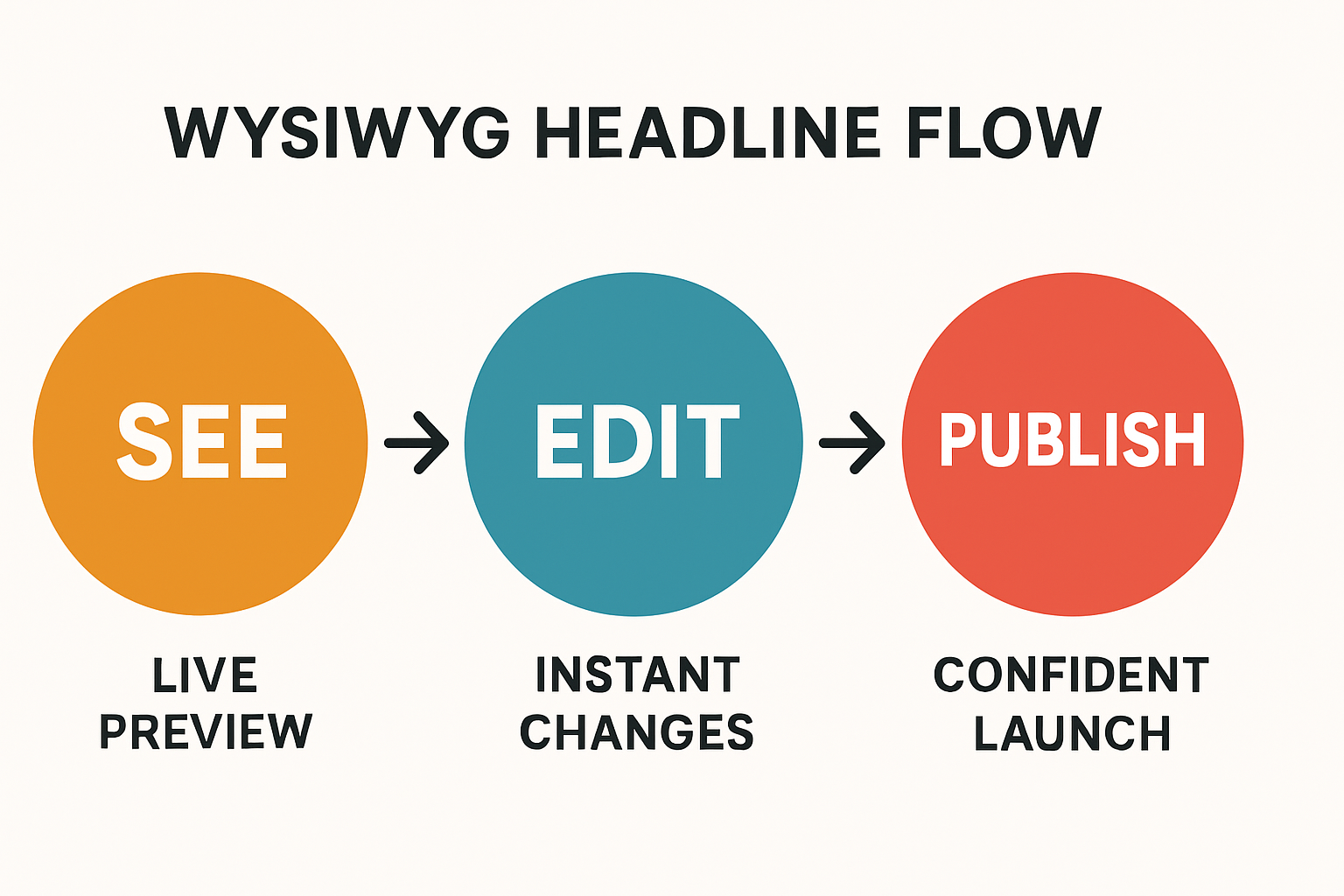
If your headline looks great while you edit it, you publish faster with fewer surprises. That's the promise of WYSIWYG—what you see is what you get. In this guide, you'll learn what a WYSIWYG headline editor is, why it boosts conversion and speed, how the tech works, and how to ship a polished, production‑ready headline in minutes using Pretty Headline.
What is a WYSIWYG headline editor
Definition: A WYSIWYG headline editor is a browser-based tool where you design and edit headlines exactly as they'll appear on your site—fonts, sizes, colors, underlines, spacing, and alignment render live as you type. No guessing, no switching between edit and preview, and no code required.
This matters to developers, marketers, designers, and content creators because it collapses the distance between idea and impact. You get on-screen accuracy, faster production, and fewer handoff errors across teams.
Pretty Headline is a focused, free WYSIWYG headline editor purpose-built for web typography and headline design. It combines professional fonts with visual emphasis (highlights, underlines, color accents) and exports clean, production-ready HTML, React, or images.
Meaning and acronym: WYSIWYG explained
WYSIWYG stands for what you see is what you get. In practice, it means the editor shows a faithful, real-time representation of the final page while you edit. That live preview cuts iteration time and reduces rework.
- Everyday value: You format text visually (bold, italics, font, color) and immediately see results as readers will.
- Origin and adoption: Popularized with GUI software and now standard in the web, it's used in CMS editors, site builders, and specialized tools for content and design.
What you see is not what you get: pitfalls to avoid
Non-visual, code-only workflows often create mismatches between intent and output. Common failure modes include:
- Typography mismatch: CSS drift and cross-browser rendering cause unexpected font weight, line-height, or letter-spacing changes.
- Layout bugs: Headline wraps differently at production breakpoints, pushing CTAs below the fold.
- Preview lag: Staging-only previews slow iteration and hide issues until late in the process.
Why use a WYSIWYG headline editor in 2025
For growth teams, headlines drive the first impression, clarify value, and set the conversion path. A modern WYSIWYG editor increases conversion rate, accelerates design velocity, and cuts handoff errors between marketing, design, and engineering.
Conversion and design velocity
Instant visual feedback shortens the loop from idea to split testing. You can align the headline with the CTA, control attention ratio, and ensure high impact above the fold without waiting on builds or design tickets.
- Rapid iteration: Move from concept to A/B test in hours, not days.
- Copy optimization: Compare clarity beats (e.g., benefit-first vs. objection-busting) with identical styling.
- CTA alignment: Ensure spacing and emphasis guide eyes to the primary action.
SEO, accessibility, and consistency
Good headline tools encourage semantic HTML (proper H1/H2 hierarchy), strong contrast, stable rendering, and consistent typography tokens—all factors that support Lighthouse checks and Core Web Vitals like CLS.
- Semantic headings: Clear H1/H2 structure improves crawlability and screen reader navigation.
- Accessibility: Adequate contrast ratios and readable sizes support inclusive UX.
- Consistency: Typography tokens and presets keep brand styles uniform across pages.
Try it now: Design a headline and preview it live in your browser—no signup. Getting Started with Pretty Headline.
How modern WYSIWYG headline editors work
Modern headline editors combine fast browser rendering with smart font loading, precise decorations, and clean export pipelines to hand off code or assets with confidence.
Typography and visual decorations that drive attention
- Fonts: Pair professional Google Fonts and variable fonts to fine-tune weight, optical size, and tracking.
- Visual hierarchy: Adjust size, weight, and color accents to emphasize keywords and improve scannability.
- Emphasis: Use highlight bars, clean underlines, or color accents to direct attention without harming readability.
Live preview, responsive sizing, and clean exports
Look for real-time preview with responsive presets (e.g., mobile, tablet, desktop) and production-ready exports:
- Responsive headline: Fluid type (e.g., clamp-based scales) ensures balanced line length on any viewport.
- HTML/React export: Ship semantic H1/H2 with class names or inline tokens that fit your codebase.
- Image export: PNG, JPG, or WebP for ads, social cards, and email headers.
Tutorial: build a conversion ready headline with Pretty Headline
Follow this fast, practical workflow to go from draft to production in minutes using Pretty Headline, a free browser-based editor with private editing and instant exports.
10 minute workflow from idea to export
- Pick a template: Open the editor and select a headline template that matches your hero layout. If you're new, start with a single-line, left-aligned template. Need a quick start? Try Create Title in 60 Seconds.
- Choose font pairing: Set a strong display font for H1 and a legible text font for subheads. Prefer variable fonts to fine-tune weight without loading many files.
- Set sizing and line height: Aim for 45–75 characters per line and 1.1–1.3 line-height on desktop. Keep 2–3 lines max for hero headlines.
- Apply emphasis style: Use a subtle highlight bar or precise underline to draw attention to your key promise—avoid over-decoration.
- Adjust spacing and alignment: Balance white space above/below and ensure the CTA sits within the primary visual field.
- Color system: Use brand tokens. High-contrast foreground/background helps both accessibility and impact.
- Responsive check: Preview mobile and tablet presets; ensure no awkward wraps or orphaned words.
- Polish and proof: Read aloud, cut filler, and ensure the first 5–7 words capture the value.
- Export: Choose HTML, React, or image (PNG/JPG/WebP) depending on your use case.
- Implement: Drop the export into your hero section and test.
Export to HTML, React, or image and implement
Pretty Headline outputs clean, production-ready code and assets so developers can ship quickly:
- Export HTML: Paste the semantic H1/H2 snippet into your CMS block or template and map classes to your CSS variables.
- Export React: Import the generated component into your app and bind props for text and theme tokens.
- Export PNG/JPG/WebP: Ideal for ads, social images, or email headers when you need a fixed visual.
Performance and QA checklist before publishing
- Font loading: Use Google Fonts preload where applicable and
font-display: swapto avoid invisible text. - Contrast check: Target a 7:1 contrast ratio for maximum readability on body text and key headline accents.
- Line length: Keep 45–75 characters on desktop; shorten on mobile to avoid squished lines.
- Mobile first: Verify viewport units don't cause oversized text on small screens; use clamp or tokenized scales.
- Tracking & analytics: Add UTM tracking to CTA links to attribute lift from headline tests.
Helpful resources: Explore channel-ready templates and headline tools in Blog Title Generator, Ad & Social Tools and compare options in Best Free Headline Generator Tools.
Use cases and templates that save time
WYSIWYG headline editors shine when you need consistent, on-brand typography at speed across channels.
Landing pages, blogs, ads, and social
Landing pages
Big, clean H1 with a single emphasized phrase; align CTA within first viewport.
Blog hero
Scannable title plus a muted subhead. Consider a subtle highlight for the key term. See our Newspaper Headline Generator for inspiration.
Ad creatives
Export compact PNG/WebP with bold emphasis; test 2–3 variants.
Social images
Title-first designs for LinkedIn, X, and Facebook; keep 2 lines max for best readability.
Team collaboration for marketers, designers, developers
- Shared presets: Lock brand guidelines into reusable templates and design system tokens.
- Developer handoff: Exports map to CSS variables and component props, reducing back-and-forth.
- Governance: Consistent typography across campaigns without heavy page builder overhead.
Comparison: WYSIWYG editors vs alternatives
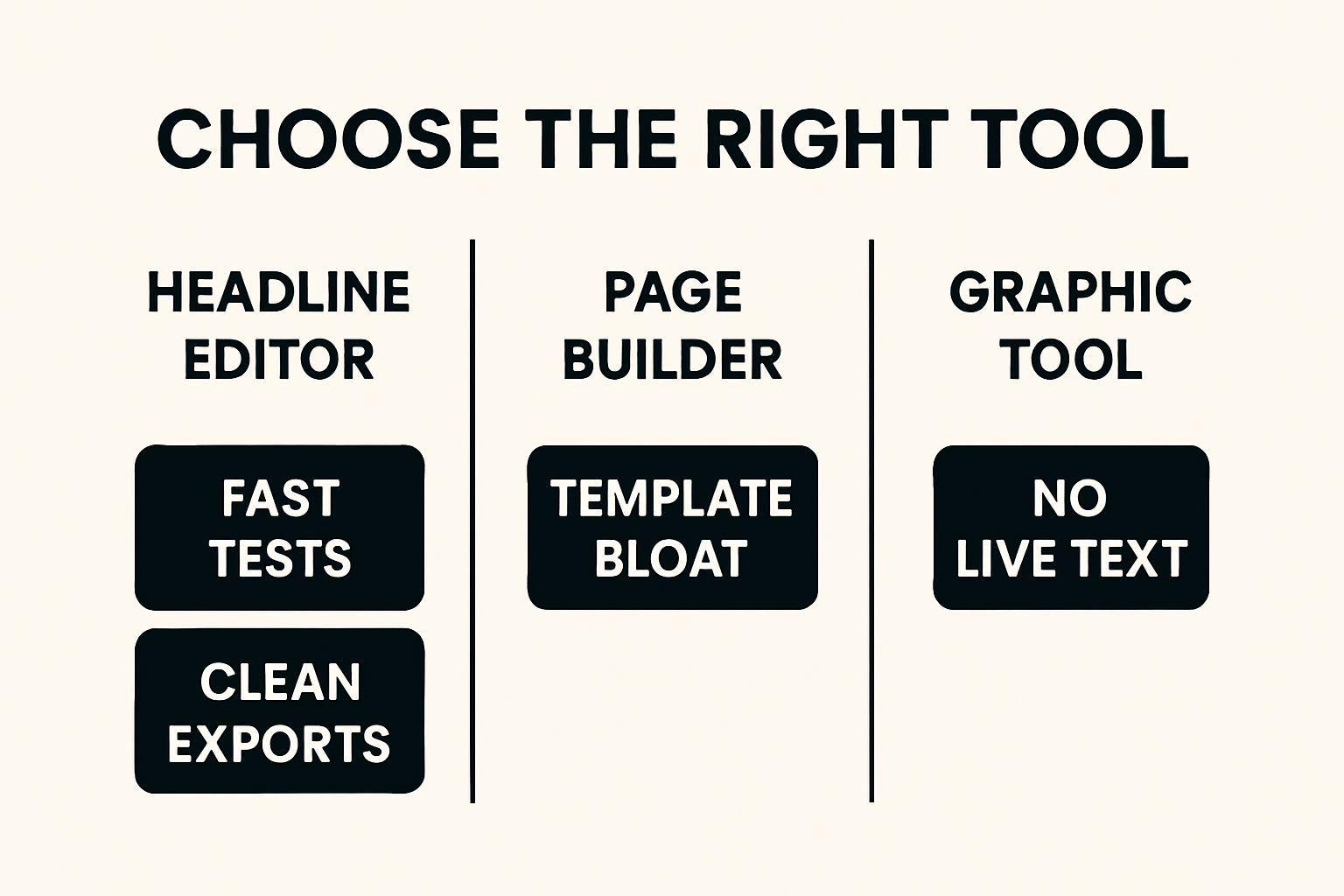
Here's a quick snapshot of when a purpose-built headline editor outperforms code-only fields, page builders, or static design tools.
| Approach | Best for | Strengths | Trade-offs |
|---|---|---|---|
| WYSIWYG headline editor | Fast, on-brand headlines | Live preview, clean exports, semantic structure | Focused scope (headlines vs. full page) |
| Code-only or CMS fields | Developers in a code-first flow | Full control | Preview mismatch, slower iteration |
| Page builder | Entire page layouts | Drag-and-drop convenience | Template bloat, inconsistent code |
| Graphic design tool | Static ads/social cards | Visual freedom | No live text, not semantic or responsive |
Code only or CMS fields
Non-WYSIWYG editing slows iteration and invites rendering surprises. Without live preview, you risk unexpected wraps, spacing errors, and staging lag before issues surface.
Page builders and graphic design tools
Heavy page builders are great for full pages, but can be overkill for headline-first workflows and may add template bloat. Graphic tools produce static images—perfect for ads but not for semantic, responsive headlines on the web. A lightweight headline editor hits the sweet spot for speed and fidelity.
Troubleshooting and pro tips
Use these quick fixes to keep headlines readable and consistent across devices.
Line length, contrast, and mobile first
- 45–75 characters: Improves comprehension and scanning.
- 1.1–1.3 line-height: Tight enough for impact, loose enough for readability.
- Contrast ratio ~7:1: Safer for accessibility and varied screens.
- Viewport-aware sizing: Use fluid type or clamp; verify at common breakpoints.
Brand consistency and component libraries
- Design tokens: Map exports to CSS variables and React components for a single source of truth.
- Consistency: Lock font families, weights, and spacing to your brand scale.
- Governance: Keep a preset library for faster onboarding and fewer deviations.
FAQ and keyword clarifications
About music and pop culture uses
The phrase appears in songs and albums (e.g., classic soul by The Dramatics, a Luke Combs album, a Tina Turner single, and an Xzibit track). This article focuses on headline editors, not music releases. If you searched for lyrics or artists, refine your query to include the performer's name.
Editorial and technical FAQs about headline editors
What does "what you see is what you get" mean in web editing?
It means the editor shows a live preview that mirrors the final page while you edit—fonts, colors, spacing—so you publish with confidence.
Are exports SEO friendly?
Yes—exports use semantic HTML (H1/H2), which supports SEO and accessibility when implemented correctly.
Do I need font licenses?
Google Fonts are generally free for commercial use; always verify individual font licenses if you self-host or change providers.
How fast can I ship a test?
With a WYSIWYG headline editor, many teams move from idea to A/B test in a single work session because preview and export are instant.
Can I work without creating an account?
Yes. Pretty Headline is free, browser-based, and requires no signup to design and export.
Get started with Pretty Headline
Pretty Headline solves the hardest parts of headline production: instant WYSIWYG preview, professional typography, emphasis that converts, and clean exports that fit your stack. Design your headline using the editor and export it as HTML, React code, PNG, JPG, or WebP.
Ready to ship? Open the editor and publish a conversion-ready headline today. Or explore more workflows in Getting Started with Pretty Headline.