Next.js React Exported Components Guide 2025: Import, Type & Ship Fast
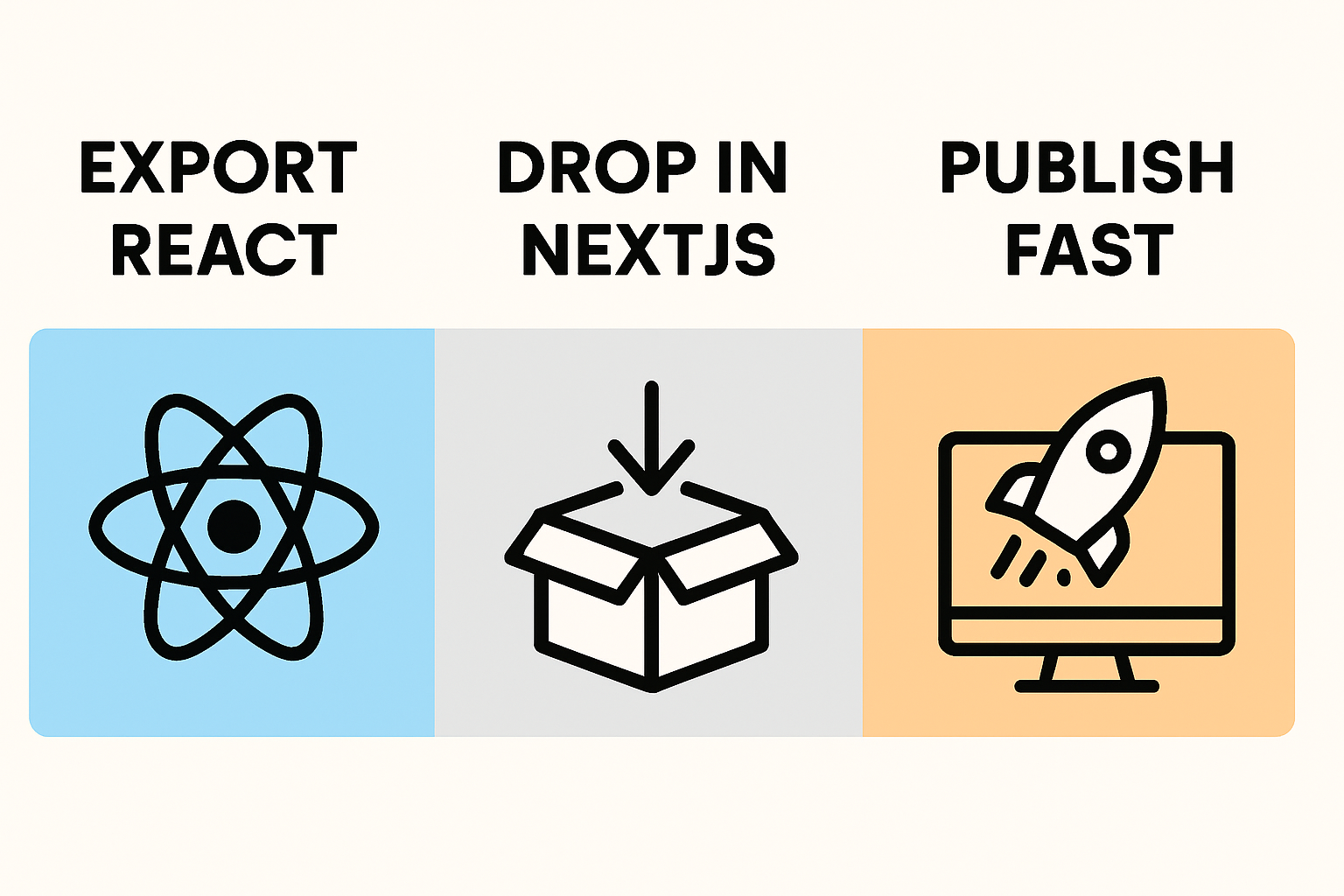
If you already built a beautiful headline elsewhere and now need it live in your Next.js app, this guide shows exactly how to import, type, and ship it fast. We'll build a production-ready flow: export a React component, choose Server vs Client boundaries, wire props and styles, and avoid common SSR pitfalls—so you can focus on conversion, not yak-shaving.
What You'll Build: Use Exported React Components in a Next.js App
By the end, you'll drop an exported headline component (from Pretty Headline) directly into a Next.js React app, style it with Tailwind, and render it as a Server Component by default for fast, SEO-friendly output. You'll also enable client-only variants as needed, add a navbar and modal around it, and measure Core Web Vitals.
- A reusable Next.js frontend hero with a typed, exported headline
- Clear boundaries between Server Components and Client Components
- Safe patterns for props, effects, and browser APIs
Why Pretty Headline? It's a fast, browser-based headline designer that exports production-ready HTML, React, or images. You get pro typography (Google Fonts), smart highlights/underlines, and conversion-focused structure—without signups or clutter.
Prerequisites and Project Setup
Start a Next.js 14 App Router project
Definition: The App Router is the current Next.js routing system that defaults to Server Components for smaller bundles and better performance.
- Create a project:
npx create-next-app@latest(select TypeScript and App Router). - Run it:
npm run devand openhttp://localhost:3000. - Read up on file-system routing and layouts so you know where to place components.
Helpful references: the App Router guide and a practical 2025 setup walk-through using Create Next App from J. Hesters.
Add Tailwind CSS for rapid styling
- Install Tailwind and peers, then init configs (
tailwind.config.js,postcss.config.js). - Add directives to your global CSS:
@tailwind base;@tailwind components;@tailwind utilities;. - Restart dev server and verify classes apply.
See the official Tailwind + Next.js guide and the Next.js docs on Tailwind setup. Tailwind's utility-first approach keeps exported markup consistent and performant.
Enable TypeScript for safer components
- Ensure your project uses TypeScript (Create Next App can set this up).
- Turn on
"strict": trueintsconfig.jsonfor safer props and fewer runtime bugs.
Typed props make exported Next.js components easier to scale and share across routes.
Export a React Headline from Pretty Headline
Design your headline and export React or TypeScript
Open Pretty Headline, design your copy, pick fonts, colors, and highlights, then export React (TS or JS). You'll get a small component with semantic tags and minimal classes you can paste into your codebase.
/* app/components/PrettyHeadline.tsx */
import React from 'react';

export type PrettyHeadlineProps = {
  title: string;
  highlight?: string;
  as?: 'h1' | 'h2' | 'h3';
  className?: string;
};

export default function PrettyHeadline({
  title,
  highlight,
  as = 'h1',
  className
}: PrettyHeadlineProps) {
  const Tag = as as any;
  return (
    <Tag className={`max-w-3xl text-balance font-semibold leading-tight ${className ?? ''}`}>
      {title} {highlight && <span className="bg-yellow-200 px-1 rounded-sm">{highlight}</span>}
    </Tag>
  );
}
Note: Your actual export will reflect your design—use this as a pattern for typed props and Tailwind slots.
Choose the right format: HTML, React, or Image (PNG JPG WebP)
- React/TS: Best for dynamic copy, A/B tests, and shared props.
- HTML: Great for static sections in MDX or CMS fields.
- Image (PNG/JPG/WebP): Fastest display when text never changes; good for email or social cards.
In a Next.js frontend, React is the most flexible when you need runtime personalization.
CTA: Import the exported component into your codebase
Try it now: paste your exported component into app/components/, then use it inside your homepage hero. Design your headline using the editor and export it as HTML, React code, PNG, JPG, or WebP.
New to the tool? See Getting Started with Pretty Headline.
Server Components vs Client Components: Pick the Right Boundary
When your exported component can be a Server Component
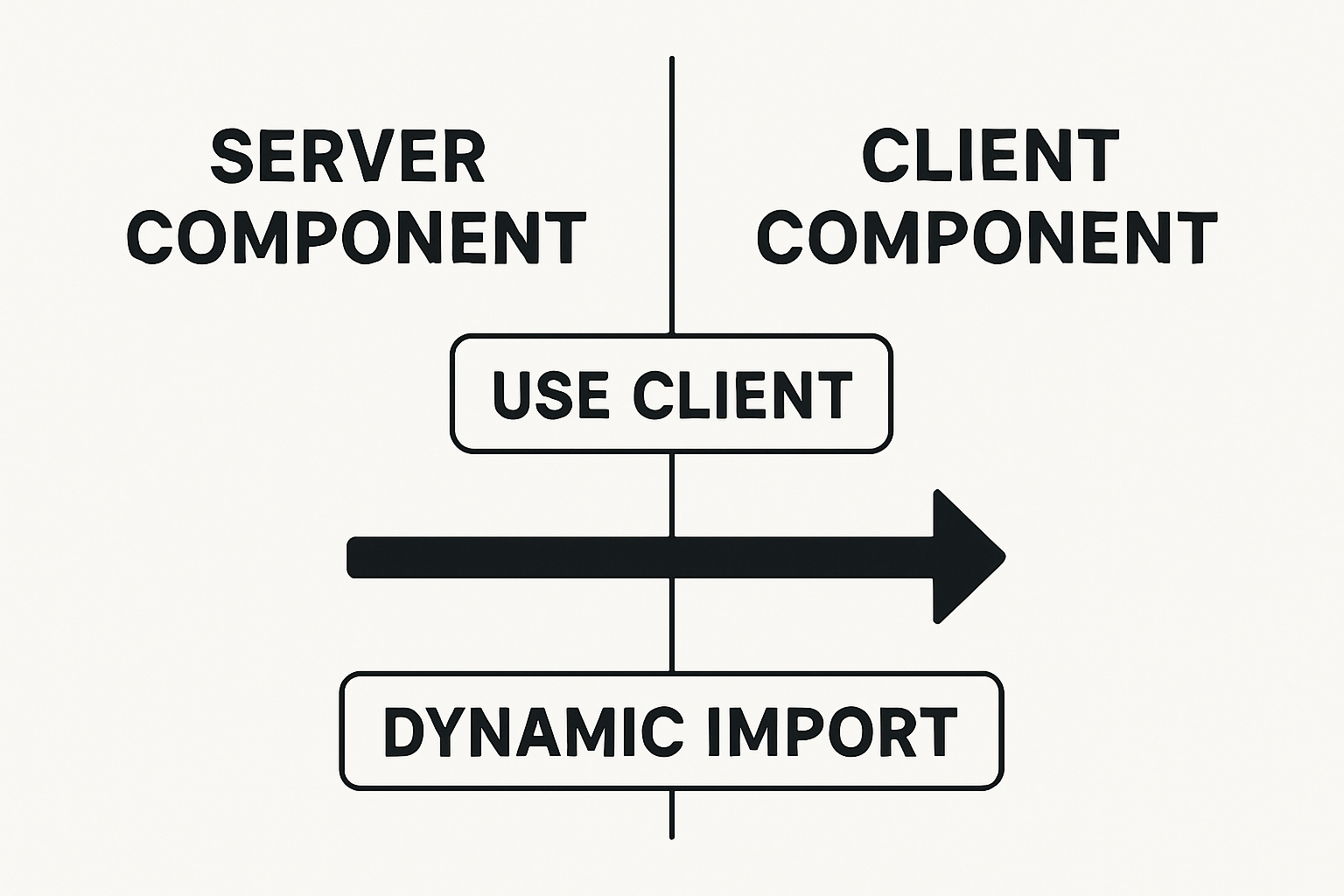
Rule of thumb: If the headline doesn't use state, effects, or browser-only APIs, keep it as a Server Component. App Router components are server-first by default, which cuts client JS and improves TTFB.
- Render static variants on the server for the fastest path to content.
- Fetch copy on the server (e.g., from CMS) and pass as props.
Learn more about RSC and why it shrinks bundles: component-level routing and RSCs.
Add 'use client' for interactive variants
If your headline animates on hover, toggles variants with useState, or reads window/localStorage, convert it to a Client Component.
/* app/components/PrettyHeadline.client.tsx */
'use client';
import React, { useState } from 'react';

export default function PrettyHeadlineClient({ title }: { title: string }) {
  const [emphasis, setEmphasis] = useState(false);
  return (
    <h1 className={`text-4xl md:text-5xl ${emphasis ? 'tracking-tight' : 'tracking-normal'}`}>
      {title}
      <button className="ml-3 text-sm underline" onClick={() => setEmphasis((v) => !v)}>
        Toggle
      </button>
    </h1>
  );
}
Fix "localStorage is not defined" in Next.js
Browser-only APIs like localStorage don't exist on the server. Use guards or effects:
'use client';
import { useEffect, useState } from 'react';

export function useSafeLocalStorage(key: string) {
  const [value, setValue] = useState<string | null>(null);
  useEffect(() => {
    if (typeof window === 'undefined') return;
    try {
      const v = window.localStorage.getItem(key);
      setValue(v);
    } catch {}
  }, [key]);
  return value;
}
Alternatively, dynamically import a client-only wrapper with SSR disabled when you must: see Dynamic import for client-only usage below. This avoids localStorage is not defined during Next.js server-side rendering.
Organize and Import Your Exported Component
Where to place files: app components and shared UI
app/components/: shared UI primitives (Server by default).app/components/client/: client-only versions with'use client'.app/(marketing)/,app/(admin)/: route groups and nested layouts.
Next.js uses folder-based routing and nested layouts; see the layouts/pages docs.
Use in layouts and pages and pass props safely
/* app/(marketing)/layout.tsx */
import React from 'react';
import PrettyHeadline from '@/components/PrettyHeadline';

export default function MarketingLayout({ children }: { children: React.ReactNode }) {
  return (
    <section className="px-6 py-10">
      <PrettyHeadline title="Design better copy" highlight="faster" as="h1" />
      {children}
    </section>
  );
}
Dynamic import for client-only usage
/* app/page.tsx (Server Component) */
import dynamic from 'next/dynamic';
const HeadlineClient = dynamic(() => import('@/components/client/PrettyHeadline.client'), {
  ssr: false, // prevent server render
});

export default function Page() {
  return (
    <main>
      <HeadlineClient title="Hello, browser-only world" />
    </main>
  );
}
This pattern ensures client APIs are never executed during SSR (ssr next js).
Style and Theme Integration
Apply Tailwind utilities to the exported markup
Map semantic parts of your headline to Tailwind design tokens for instant consistency. Tailwind's utility-first approach speeds up iteration and keeps bundles tight.
<PrettyHeadline
  title="Stop losing clicks"
  highlight="today"
  className="text-4xl md:text-5xl text-gray-900 dark:text-white [text-wrap:balance]"
/>
More on the benefits of Tailwind for consistency and speed: utility-first advantages.
Alternative: Combine with CSS Modules
/* app/components/pretty-headline.module.css */
.title { font-weight: 700; letter-spacing: -0.01em; }
.highlight { background: #fde68a; padding: 0 .25rem; border-radius: .125rem; }

/* app/components/PrettyHeadline.tsx */
import styles from './pretty-headline.module.css';
// ... apply styles.title / styles.highlight as needed
Performance, Fonts, and Core Web Vitals
Load Google Fonts with next/font
/* app/fonts.ts */
import { Inter, Playfair_Display } from 'next/font/google';
export const inter = Inter({ subsets: ['latin'], display: 'swap' });
export const playfair = Playfair_Display({ subsets: ['latin'], display: 'swap' });

/* app/layout.tsx */
import { inter } from './fonts';
export default function RootLayout({ children }: { children: React.ReactNode }) {
  return (
    <html lang="en">
      <body className={inter.className}>{children}</body>
    </html>
  );
}
Using next/font avoids layout shifts and improves next/core-web-vitals metrics by self-hosting and optimizing font loading.
Trim bundle size and avoid re-renders
- Prefer Server Components for static UI.
- Memoize client components with
React.memowhen appropriate. - Keep exports small and avoid heavy client libraries.
- Static export pages when possible to reduce client JS.
Why this helps: Next.js can output per-route HTML and avoid loading unnecessary client-side code when configured for static export.
Measure and improve using Core Web Vitals
- Track LCP on hero changes (your headline is usually the LCP element).
- Use Lighthouse or PageSpeed Insights to verify CLS/INP improvements.
- Iterate on font sizing, contrast, and RSC boundaries.
Deep dives: Next.js static exports and the shift to component-level routing and data fetching in the App Router discussed here.
Troubleshooting and FAQs
Hydration mismatch and how to fix
- Keep markup stable: avoid server-time randomness or user-agent differences.
- Move interactive logic to client components or
useEffect. - As a last resort, use
suppressHydrationWarningon elements that differ.
Default vs named exports
Tip: Match your import style to how the tool exported it. If default: import PrettyHeadline from '...'; if named: import { PrettyHeadline } from '...'.
Browser APIs like window and localStorage
Access only in client components or inside useEffect. Otherwise you'll hit localStorage is not defined during SSR.
Note on nextjs react native
Next.js targets web. React Native targets mobile. While they share React concepts, components exported for web won't run in React Native without a dedicated native implementation.
Step-by-Step Checklist
- Create a Next.js App Router project and enable TypeScript strict mode.
- Install Tailwind and add directives to global CSS.
- Design a headline in Pretty Headline and export React/TS.
- Place the component in
app/components/and import it into a layout or page. - Keep it a Server Component unless it needs state/effects; then add
'use client'. - Guard browser APIs or use dynamic import with
ssr: false. - Load fonts with
next/font, measure LCP, and iterate. - Share the component across route groups (marketing/admin) with path aliases.
- Optionally personalize with SSR or SWR.
- Consider static export for routes that don't need server logic.
Why Pretty Headline Solves Real Problems
- Design time: Stop fiddling with letter spacing and highlights; start with proven patterns.
- Delivery speed: Export React/HTML and paste—no asset handoff delays.
- Performance: Headline markup renders great as a Server Component, keeping bundles slim.
- Consistency: Map exports to Tailwind tokens and ship a cohesive look across routes.
Want a deeper intro? Read Getting Started with Pretty Headline, then apply what you learned above.
FAQ
Can I keep my exported headline as a Server Component?
Yes—if it has no state/effects/browser APIs. This minimizes client JS and improves performance.
How do I fix "localStorage is not defined" in Next.js?
Access it only in client components or inside useEffect, or dynamically import a client wrapper with ssr: false.
Should I export React, HTML, or an image?
React for dynamic/personalized copy, HTML for static CMS content, image for fixed assets like emails or social.
Where do I place exported components in the App Router?
Put shared UI in app/components, then import into layouts/pages. Use client subfolder for client-only variants.
Does this work with TypeScript strict mode?
Yes. Define a props interface and enable strict to catch missing or mis-typed properties at build time.
Wrap-Up and CTA
Exported UI should drop into your stack without friction. With the App Router's server-first model, Tailwind, and typed props, you'll ship a fast hero and iterate with confidence.
- Speed: Build and export polished copy in minutes.
- Quality: Professional typography and semantic structure.
- Flexibility: Export as HTML, React, or images for any channel.
- Privacy & simplicity: 100% browser-based; no signup needed.
Ready to go? Design your headline using the editor and export it as HTML, React code, PNG, JPG, or WebP. For broader workflow ideas, explore our take on developer productivity tools.
Ready to Ship Fast with Next.js + Pretty Headline?
Export production-ready React components and drop them into your Next.js app. No friction, just results.
Try Pretty Headline Now →