Developer Productivity Tools: Lightning-Fast Online Workflows for 2025
Shipping faster in 2025 isn't about working longer—it's about making the browser your fastest IDE, design studio, and QA bench. This guide shows how to cut cycle time with lightning‑fast online tools and an export‑first mindset.
Why lightning-fast online tools matter for devs in 2025
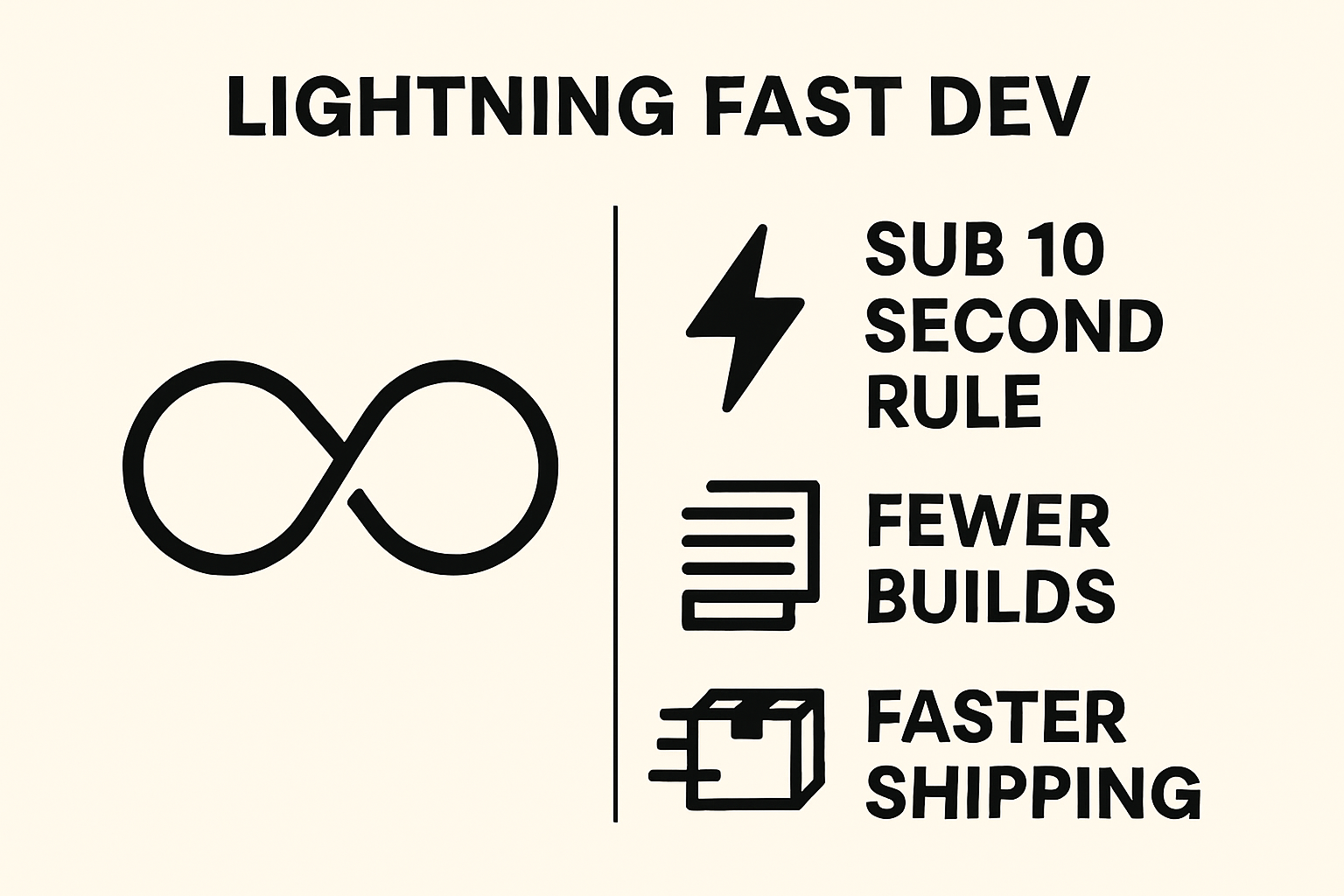
"Lightning-fast" means the action-to-result loop stays under 10 seconds and routine edits refresh in under a second. When your feedback loop is that tight, context switching drops, throughput rises, and you recover hours per sprint.
Market signals back the shift: the web development market is ~$74.69B in 2025 and growing, while 84% of respondents use or plan to use AI tools and Gartner projects 70% of new apps will use low/no-code. Faster feedback loops are now the competitive baseline.
Teams that invest in developer productivity tools see measurable gains. One rollout tracked ~16% higher productivity by watching merge rates and developer satisfaction together (case note). Add browser-based creation and instant exports, and you remove install friction entirely.
Where time is lost: context switches, builds, and asset creation
- Cold starts and heavy installs: Waiting for gigabytes of dependencies or OS-specific setup before you can try an idea.
- Slow builds and test runs: Long feedback loops make you multitask, triggering context switches that multiply idle time.
- Asset generation handoffs: Copy and imagery often bounce between tools or teammates. Each handoff adds latency and interpretation risk.
- Tool sprawl: Too many apps means too many windows, tabs, and auths. Navigation time compounds across a day.
Fast, browser-based development tools eliminate these bottlenecks by removing setup, shrinking feedback loops, and centralizing creation and export in one place.
The "sub-10-second" rule for tool adoption
Definition: If the time from action to first visible result routinely exceeds 10 seconds, switch to a faster online tool or streamline the workflow until it's under 10 seconds.
- Measure your time to first result for key tasks (build, preview, export).
- Kill or replace the slowest step with a browser-based alternative.
- Automate copy/paste and exports to keep cycles tight.
- Recheck weekly; anything >10s gets tuned or swapped.
Quick framework: when to use online vs. local tools
Use this decision matrix to pick the right surface. The goal is to maximize rapid feedback without sacrificing privacy or integrations.
| Task | Latency Sensitivity | Privacy | Integration Needs | Use |
|---|---|---|---|---|
| Prototype UI, copy, small components | High | Low | Light | Online |
| Design headline, export HTML/React/Png | High | Low | Light | Online |
| Security-sensitive backend or PII data | Medium | High | Deep | Local |
| Performance profiling and heavy builds | Medium | Medium | Deep | Local |
Decision factors: latency, privacy, integration, persistence
- Latency: Favor browser tools for instant previews and exports. Anything with hot reload or WYSIWYG benefits.
- Privacy: Keep sensitive data local. For public marketing copy or UI shells, online is ideal.
- Integrations: If you need deep SDKs or local binaries, stay local. For HTML/React exports or images, online wins.
- Persistence: Prefer export-first tools so outputs live in your repo and CI, not in a vendor account.
Speed hygiene: profiles, extensions, and shortcuts
- Create a fast browser profile: minimal extensions, hardware acceleration on, strict tab discipline.
- Pin your daily drivers: sandbox, Pretty Headline, QA tools, CMS preview.
- Adopt keyboard shortcuts: tab search, split window, quick copy of code blocks.
- Use a bookmarks bar for one-click actions. For content ideation, try our internal resource Blog Title Generator, Ad & Social Tools.
- For systematic QA flows, see Web Application Testing 2025: Complete Playbook.
Assemble a lightning-fast online tool stack
Keep the stack lean. Cover prototyping, asset/copy, QA, and delivery with near-instant feedback and export-first outputs.
Rapid prototyping: code and UI sandboxes
- Browser IDEs and sandboxes: Spin up React, Vue, or plain HTML in seconds, test ideas, and share links instantly.
- Guideline: If you can't see a preview in under 10 seconds, swap the tool or reduce dependencies.
- Tip: Prefer templates with no build step for copy/UX experiments.
React remains a favorite for dynamic UIs (43% preference), and JavaScript is still ubiquitous (~62.3% usage), making instant web sandboxes a safe bet.
Asset and copy creation: ship-ready outputs in seconds
- Pretty Headline: Design conversion-optimized headlines with Google Fonts, highlights, and underlines. Export clean HTML, React, or PNG/JPG/WebP—no signup.
- Vector/SVG tools: Use browser editors for icons and simple illustrations; export SVGs to your repo.
- Clipboard-first workflow: Copy HTML/React directly into your component library; commit exports like any other code.
- Compare headline tools in our guide: Best Free Headline Generator Tools in 2025.
Speed up above-the-fold copy with Pretty Headline (step-by-step)
- Open Pretty Headline. Start typing your hero headline in the WYSIWYG editor.
- Pick a Google Font and weight that match your brand. Adjust line-height and letter-spacing for legibility.
- Add visual punch: highlights, underlines, or color accents that follow your brand guidelines.
- Toggle export: choose HTML or React and preview the production-ready output instantly.
- Alternatively export an image (PNG/JPG/WebP) for mockups and stakeholder sign-off.
- Paste into your repo, map classes to tokens, ship.
Try it now: Design your headline using the editor and export it as HTML, React code, PNG, JPG, or WebP.
Open Pretty HeadlineFor a quick walkthrough, see Getting Started with Pretty Headline.
Debugging and QA from the browser
- Performance: Run Lighthouse in DevTools for Core Web Vitals and page weight checks.
- Accessibility: Use accessibility checkers to validate roles, headings, and contrast.
- HTML/CSS validation: Catch syntax issues before pushing to CI.
- Build a reusable checklist from our testing playbook.
30-minute sprint: ship a hero section using online tools only
Follow this mini-sprint to go from idea to deployed hero. Use it as a repeatable team exercise.
Prep: repo template and instant sandbox
- 5 min: Fork a lightweight landing template with minimal CSS variables and a single hero component.
- 1 min: Open in a browser sandbox for instant preview and hot reload.
- 2 min: Add environment-free deploy target (Vercel/Netlify) and wire a preview URL.
Create the headline in Pretty Headline
- 5 min: Design the H1 in Pretty Headline. Choose a Google Font, adjust sizing, add highlight/underline if needed.
- 1 min: Export as HTML or React. Copy to clipboard.
- 2 min: Paste into your hero component and commit.
<header class="hero">
  <h1 class="ph-headline ph-accent">Ship landing pages 10x faster</h1>
  <p class="subhead">Design, export, and deploy in minutes—not days.</p>
</header>
Wire styles to design tokens and ship
- 5 min: Map exported classes to
--color-accent,--font-display, and spacing tokens. - 3 min: Push to main; CI triggers deploy to Vercel/Netlify and returns a preview link.
Quick checks: a11y, SEO, and performance
- Semantics: H1 present, one per page; H2 for sections.
- Contrast: Headline and accent colors pass WCAG AA.
- Page weight: Keep hero under ~100KB for instant paint.
- Vitals: Run Lighthouse; check LCP and CLS.
Many teams report meaningful time savings from lightweight, online workflows. According to JetBrains, nearly nine out of ten developers save at least an hour weekly with modern tooling, and one in five saves eight hours or more (survey).
Automate your browser-based workflow
Automation removes variance and keeps the sub-10-second loop tight.
Export pipelines: from Pretty Headline to repo
- Standardize exports: HTML for static sites, React for component libraries, PNG/JPG/WebP for mockups.
- Paste into a drop-in component that maps to tokens (font, color, spacing).
- Run pre-commit hooks: format, lint, and a quick a11y script for headings and contrast.
- Push and auto-deploy; share the preview URL for async review.
Snippets and bookmarks you'll actually use
- HTML/React stubs: Pre-baked hero component with slots for headline, subhead, and CTA.
- Token maps: CSS variables for brand color, font-display, and accent styles.
- QA launcher: Bookmarks that open Lighthouse, contrast checker, and HTML validator on the current URL.
- Content helpers: For quick ideation, see our title and ad tools guide.
Measure the gains: KPIs and a simple ROI calculator
Track the metrics that move delivery speed and quality. As AI and low-code adoption climbs (51% of pros use AI daily; low-code can be up to 90% faster), your baseline can improve quarter over quarter.
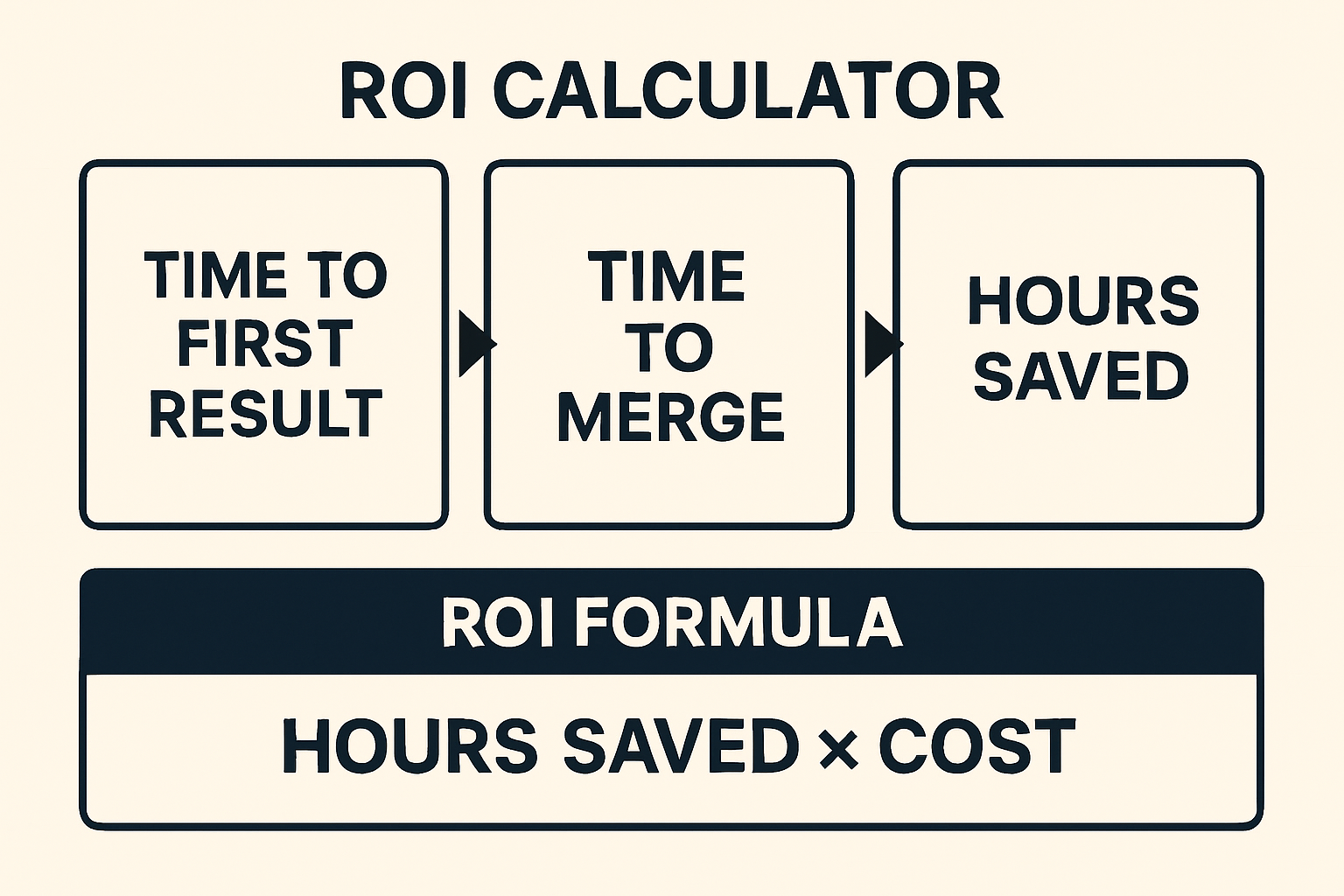
- Time to First Result (TFR): How long until you see a change?
- Time to Merge (TTM): From first edit to merged PR.
- Throughput: Merged PRs or shipped pages per week.
- Preview-to-approval time: Minutes between preview link and stakeholder sign-off.
Time-saved formula and example
Formula: Hours Saved = (Old Cycle Time − New Cycle Time) × Iterations per Week × Team Size.
ROI: Value = Hours Saved × Blended Hourly Cost. Include quality multipliers for reduced rework.
Example: If headline creation goes from 45 min to 5 min and you ship 10 pages weekly with a 3-person team: (0.75 − 0.083) × 10 × 3 ≈ 20 hours saved/week. Multiply by your hourly cost for impact.
Benchmark your stack quarterly
- Log your top 10 recurring tasks and their TFR/TTM.
- Pilot 1–2 faster tools each quarter; keep what beats the metrics.
- Re-validate privacy and export portability before adoption.
Team workflow: collaborate without slowing down
Async reviews beat meetings when your previews are shareable and exports are deterministic.
Review flows with shareable previews
- Post a preview link in chat. Include exported headline images for stakeholders who prefer visuals.
- Use HTML/React exports for dev review; attach the PNG/WebP for marketing review.
- Record decisions inline in the PR to keep context with code.
Versioning exports and keeping history
- Commit HTML/React exports and image variants to Git. Treat them as source artifacts.
- Tag releases that change typography or tokens for clear rollback points.
- Automate thumbnails in CI for quick visual diffs.
Security and privacy quick wins for online tools
Move fast without exposing sensitive data.
Data handling and offline fallbacks
- Keep PII and proprietary code local. Use online tools for public marketing copy and generic UI scaffolds.
- Prefer export-first, no-signup tools like Pretty Headline so your outputs live in your repo, not on a vendor server.
- Create offline mirrors of critical exports and cache artifacts for disaster recovery.
Pitfalls to avoid (and how to fix them)
Common risks and pragmatic mitigations as you scale online workflows.
Adopt an export-first mindset
- Choose tools that output clean HTML, React, or images you can self-host and version.
- Prefer open formats and deterministic exports for long-term maintainability.
Unify styles with tokens and components
- Map any exported classes to design tokens (colors, typography, spacing) to prevent visual drift.
- Wrap repeated patterns in shared components; avoid copy-paste divergence.
7-day rollout plan + checklist
Small, consistent steps beat big-bang rollouts. Here's a one-week plan.
Day-by-day plan
- Day 1: Create a fast browser profile. Pin sandbox, Pretty Headline, and QA links.
- Day 2: Define the sub-10-second rule for your team. Instrument TFR and TTM on 3 tasks.
- Day 3: Build a tiny repo template for landing pages with tokens.
- Day 4: Ship a hero using Pretty Headline exports. Document the pipeline.
- Day 5: Add pre-commit linting, a11y checks, and image compression.
- Day 6: Run the 30-minute sprint with two teammates. Compare results.
- Day 7: Review metrics, keep what's faster, park what's not. Plan next quarter's benchmarks.
Call to action: ship your next headline in minutes
Ready to remove friction from your above-the-fold? Design your headline using the editor and export it as HTML, React code, PNG, JPG, or WebP. No signup, no installs—paste to prod and move on.
Try Pretty Headline NowFAQ
What are developer productivity tools?
They're utilities that shorten feedback loops—editing, previewing, exporting, testing—so teams ship more with less friction.
When should I prefer online tools over local?
Use online tools for low-privacy tasks that need instant feedback (UI, copy, exports). Keep sensitive data and heavy builds local.
How does Pretty Headline fit my stack?
It designs SEO-friendly headlines and exports clean HTML/React or images, so you paste into code and ship fast.
Will online workflows hurt performance?
No—export-first outputs are lean. Validate with Lighthouse and keep page weight tight for strong Core Web Vitals.
How do I measure ROI?
Track Time to First Result and Time to Merge. Calculate Hours Saved per week and multiply by your blended hourly cost.
Start shipping faster today
Design production-ready headlines in seconds with Pretty Headline. Export as HTML, React, or images—no signup required.
Try Pretty Headline Free